How To Fix Family Videos With AI: Birthdays, Holidays And Everyday Kid Clips
You got the shot. The candles are lit, everyone is singing slightly off-key and your daughter's face is glowing over the cake. Then you watch it back and notice the overflowing trash bag on the counter behind her, the laundry basket on the chair and your brother-in-law walking straight through the frame with a plate of wings.
For most of us, that's where the story ends. You keep the clip because the moment matters, and you live with the mess. AI video editing has quietly changed that. You can now take a clip you already filmed, describe what should change in plain words and get the same video back with the fix made, the singing and laughing included.
Here's what that looks like for the clips dads actually film.
What AI video editing can do now
Unlike apps that generate a brand-new video from a description, these editors work on your own footage. Your kid's moves, the camera wobble and the sound stay as you recorded them. Only the thing you name changes.
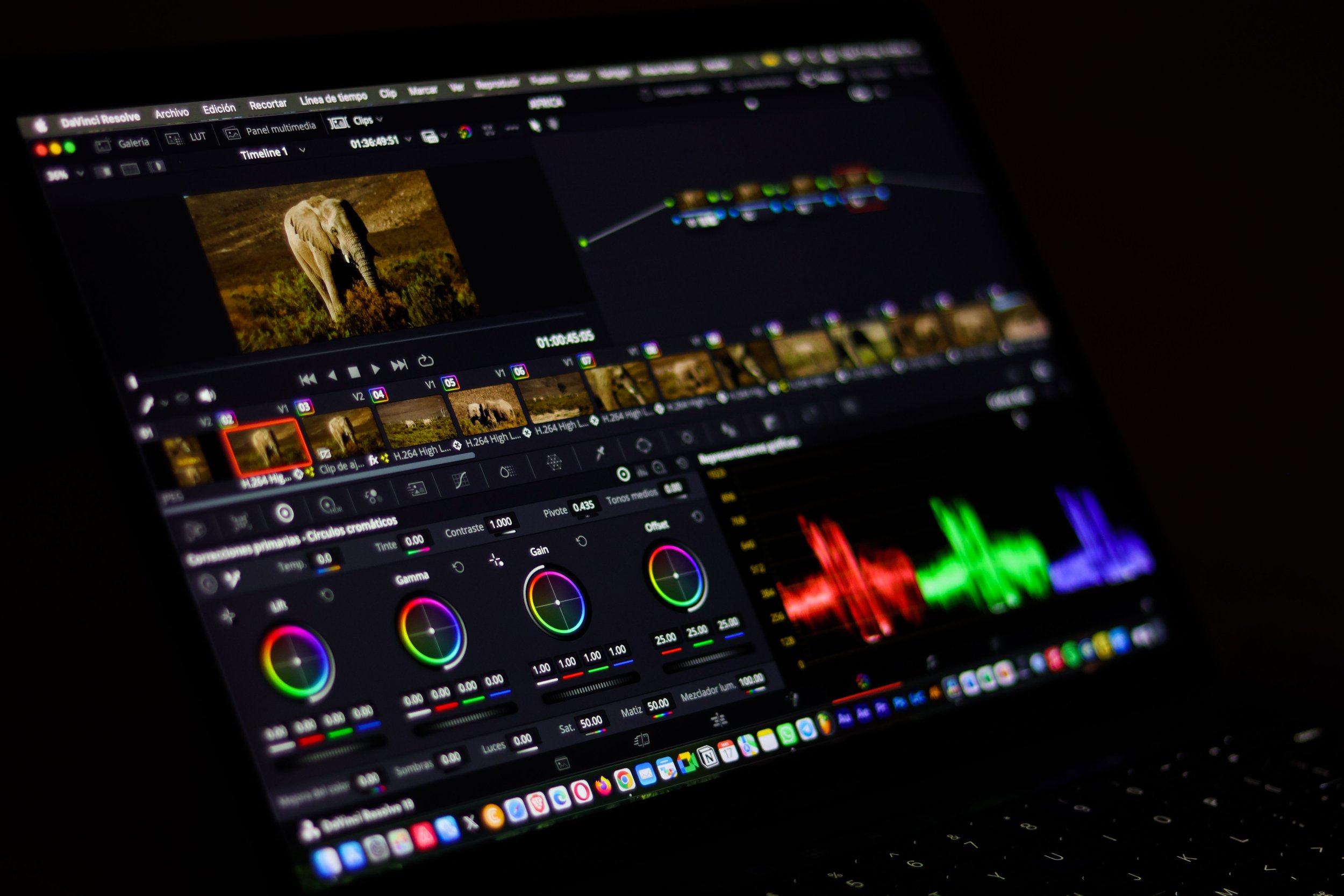
With Aisma, the editor I work on, you upload a clip of up to a minute from your phone or computer, type what you want changed, and the edited video lands in a private library on your account. It runs in a web browser and in iPhone and Android apps, so you can fix a clip from the couch the same evening. If you'd like to see real before-and-after examples first, here's how to edit a video with an AI prompt, with the exact words behind each edit.
Five family fixes worth trying
Clean up the birthday party. "Remove the trash bag and the laundry basket behind her. Keep her, the cake and the balloons." The empty spot is filled in from the rest of the room.
Make the holiday look like the holiday. If it was 75 degrees on Christmas morning, ask for "falling snow outside the window. Keep the tree and the kids on the rug."
Put your kid in the costume they wanted. The dinosaur costume sold out, so your son ran around the backyard in a T-shirt. "Change his blue T-shirt to a green dinosaur costume with a tail. Keep his face and the swing set." Add a photo of the costume if you have a specific one in mind.
Lose the stranger at the beach. "Remove the man in the black hat walking behind them. Keep my two daughters and the waves."
Turn a clip into a cartoon keepsake. "Make this video look like a hand-drawn cartoon." Kids get a kick out of seeing themselves animated, and so do grandparents.
Tips for better results
Pick a steady, well-lit clip. Good light and a clear view of what you want changed help more than anything else.
Point to one thing. Name it by color and where it is: "the red cup on the left table," not "the cup."
Say what stays. A second sentence starting with "Keep" protects what matters most: "Keep my son, his face and the cake."
Use a photo for a specific look. If your daughter has one particular dress in mind, add a photo of it and write, "Change her pajamas to the dress in Photo 1."
Give a time if only part should change. "From 0:05 to 0:12" leaves the rest of the clip as filmed.
Ask before you change a person. Putting a grown-up cousin into a birthday clip as a joke can be fun, but ask them first, and never post an edited video of someone else's child without their parents' blessing.
Keep the original. Save the unedited clip next to the new one. The tidy version is great for the family group chat, but someday your kids may want the real thing, trash bag and all.
The moment is what counts
Nobody remembers the laundry basket. They remember the face over the candles and the off-key singing. AI editing simply lets you share that moment without clutter, a stranger or a gray sky getting in the way, and without asking everyone to sing "Happy Birthday" a second time.
Your turn: which family video would you fix first? Tell us in the comments, along with the one clip you wish you could go back and reshoot.
Author bio: Aleksei Babkin is the founder of Aisma, an AI video editor for footage people have already shot. He builds tools that let anyone change a video by describing the change in plain words.