
How To Prepare Your Devices Before A Family Trip Abroad
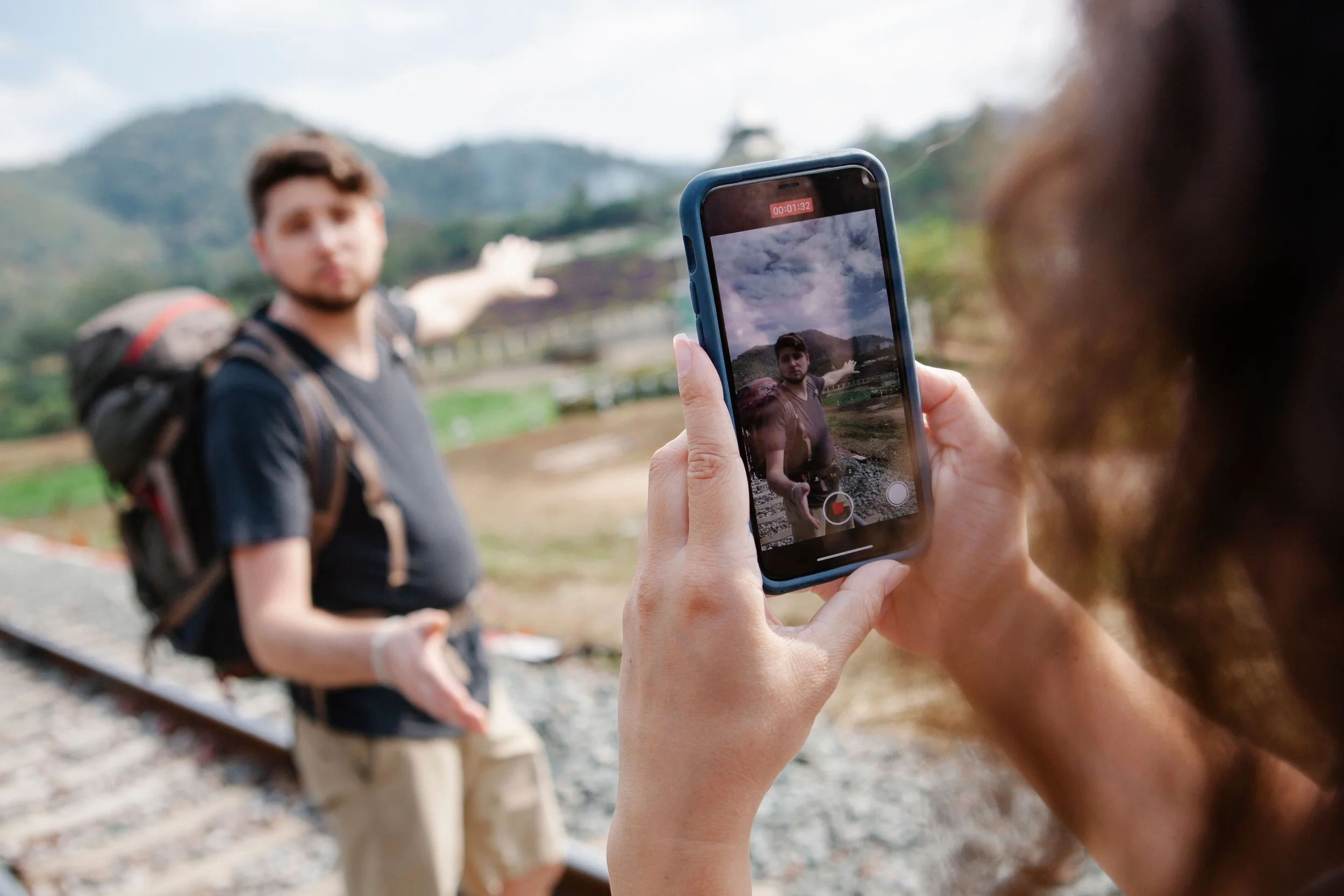
Phones and tablets handle much of the practical work during an international family trip. They store boarding passes, hotel reservations, maps, payment apps, family photos, and emergency contacts. If a device loses connectivity, runs out of storage, or gets locked out of an important account, a minor technical issue can quickly disrupt the day.
Preparing devices before departure reduces those risks. The goal is to make sure every essential device can connect, navigate, communicate, and recover from common travel problems without depending on reliable hotel Wi-Fi.
Update Everything Before You Leave
Install operating system and app updates several days before departure rather than waiting until the night before the flight. Security updates can fix vulnerabilities, while travel, banking, airline, and mapping apps may require recent versions to work properly.
Update:
Phone and tablet operating systems
Airline and hotel apps
Maps and navigation tools
Messaging applications
Banking and payment apps
Password managers
Device security software
Restart each device after updating it and check that important apps still open correctly.
Avoid performing major updates while traveling unless necessary. Large downloads can use significant mobile data and may be difficult to complete on slow hotel networks.
Back Up Important Data
Travel increases the chance of a phone being lost, stolen, dropped, or damaged. A current backup makes replacing the device much easier.
Back up photos, contacts, documents, messages, and other important data to a trusted cloud service or computer. Confirm that the backup actually completed instead of assuming automatic syncing worked.
The Federal Trade Commission recommends regularly backing up phone data and enabling features that can help locate, lock, or remotely erase a lost device. Its guidance on protecting phones from hackers also recommends keeping operating systems updated and using a secure device lock.
Parents should make sure children's devices are backed up too, especially if they contain photos, downloaded schoolwork, or other files that would be difficult to replace.
Plan How Each Device Will Get Online
Do not wait until landing to figure out mobile service.
Check your carrier's international roaming rates and compare them with local SIM cards and travel eSIMs. For families carrying several phones, the cheapest option may vary by device and destination.
Check Phone Compatibility
Before buying an international SIM or eSIM, confirm that the phone is unlocked and supports the mobile frequencies used at the destination.
For eSIMs, verify compatibility with the exact phone model. Some devices sold through particular carriers or markets may have different eSIM capabilities.
Also decide how much data each family member actually needs. Navigation and messaging use relatively little data compared with video streaming, cloud photo uploads, and social media.
Prepare for Internet Restrictions
Internet access does not work exactly the same way in every country. Certain websites, social platforms, messaging services, and other online tools may be restricted or unavailable depending on the destination.
Research this before departure, particularly if your family relies on specific services for communication or work. Families traveling to China, for example, can review a current VPN for China guide while still at home to understand which services travelers report being able to use.
Install and configure any connectivity tools before traveling rather than assuming you will be able to download them after arrival. Test them on each device beforehand and save any account information you may need.
Always check current local laws and regulations concerning VPN and internet use at your destination.
Download Essential Information for Offline Use
International travel rarely provides perfect connectivity. Cellular coverage can disappear on road trips, public transportation, rural excursions, or even inside large buildings.
Prepare important information so it remains accessible offline.
Useful downloads include:
Offline maps for cities and travel routes
Airline boarding passes
Hotel confirmations and addresses
Transportation tickets
Copies of travel insurance information
Translation language packs
Entertainment for flights and long drives
Save critical addresses in both the local language and English when appropriate. This can help when showing a hotel or destination to a taxi driver without internet access.
Keep screenshots or PDFs of essential reservations rather than relying entirely on an app that may require a live connection.
Strengthen Device Security
Travel puts devices through airports, hotels, restaurants, public transportation, and unfamiliar networks. That creates more opportunities for loss and unauthorized access.
Use a strong passcode on every device and shorten the automatic lock time if necessary. Biometrics such as fingerprint or facial recognition can make secure access more convenient.
Enable two-factor authentication on important accounts, especially email, banking, cloud storage, and password managers. Where possible, use an authenticator app or other method that does not depend entirely on receiving an SMS message to your usual phone number.
Turn on device-location services such as Apple's Find My or Google's equivalent lost-device feature before leaving home.
Review Public Wi-Fi Settings
Phones and tablets can automatically reconnect to networks they have previously used or attempt to join available networks. Review those settings before traveling.
Disable automatic Wi-Fi connection where practical so you decide which networks each device joins. The same approach applies to Bluetooth. Leave it disabled when it is not needed.
When using hotel, airport, or cafe Wi-Fi, confirm the correct network name with staff before connecting. Networks with similar names can be created to trick travelers into connecting to the wrong access point.
Avoid performing unnecessary sensitive transactions on unfamiliar networks. Cellular data is often a better option when dealing with financial accounts or other sensitive information.
Check Storage and Battery Capacity
A phone with almost no storage space can become a problem halfway through a trip, particularly when the family is taking hundreds of photos and videos.
Delete unnecessary downloads, duplicate photos, old podcasts, and unused apps before leaving. Check how much storage remains after cleanup.
Battery preparation matters just as much. Navigation, photography, roaming, and poor cellular signal can drain batteries faster than normal.
Bring correctly rated charging cables, wall adapters, and power banks for the devices your family will actually carry. Check airline rules before packing portable batteries, since lithium battery restrictions commonly require power banks to remain in carry-on baggage.
Create a Simple Family Device Plan
A little coordination prevents everyone from depending on a single phone.
Make sure at least two adults have access to major reservations, accommodation details, insurance information, and emergency contacts. If one phone disappears, the family should still be able to navigate and retrieve essential documents.
Test mobile service options, complete backups, download offline information, and charge every device before departure. These steps take relatively little time at home but can prevent frustrating technology problems once the family is thousands of miles away.